

 ×

UpSeller ERP Makes Your Nuvemshop Operations Easier
One system designed for Nuvemshop sellers to manage their entire business.
Nuvemshop: Helping Latin American Brands Build Their Own Online Stores
From Latin American Opportunity to Organized Operations
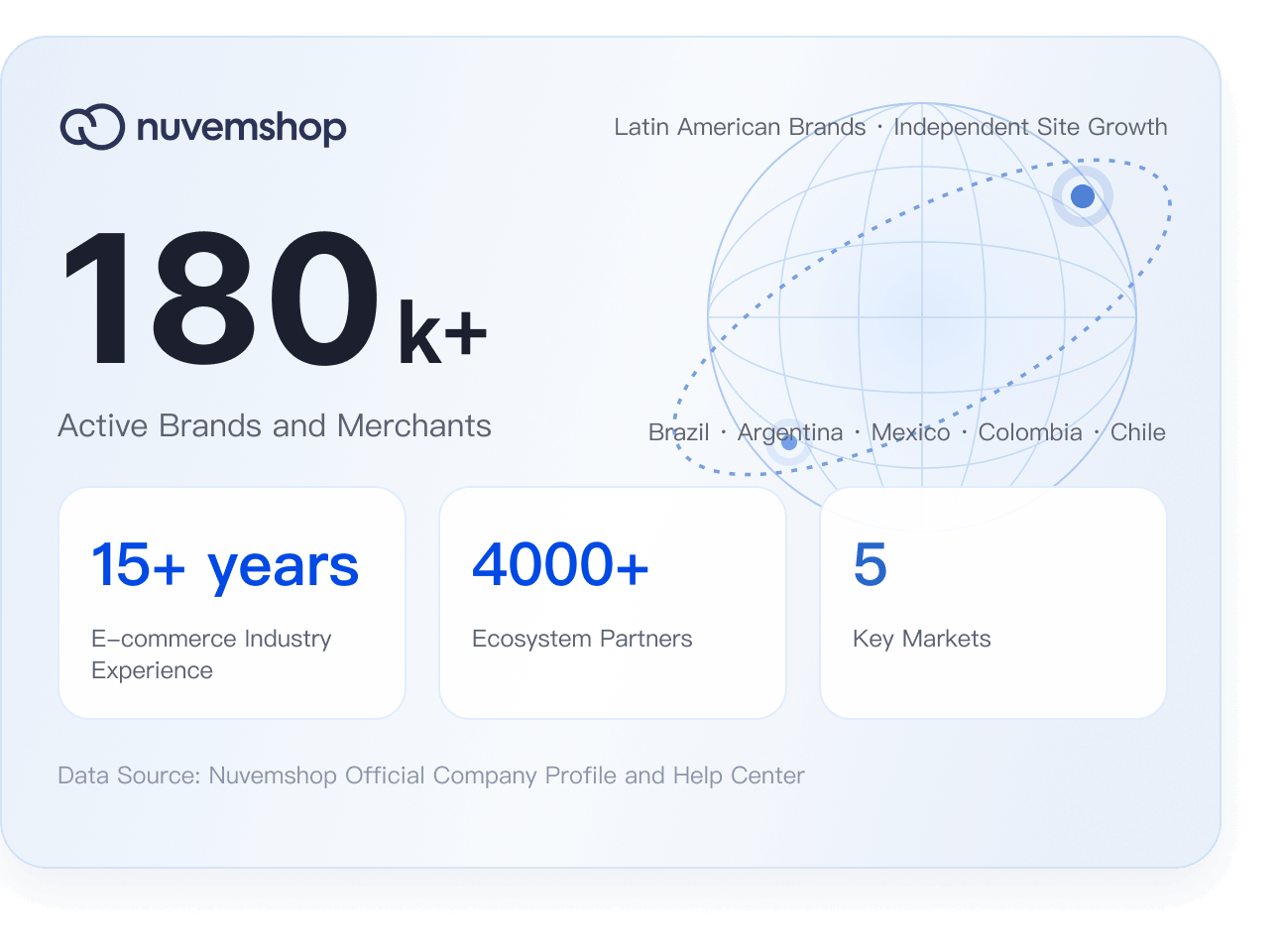
From Latin American Opportunity to Organized Operations
Nuvemshop, known as Tiendanube in Spanish-speaking markets, is an ecommerce platform for Latin American merchants. It provides integrated capabilities for online stores, payments, logistics, and marketing. With UpSeller, sellers can centrally manage products, orders, and inventory across Nuvemshop and Tiendanube stores.
 Centralized multichannel management: Manage independent stores and other ecommerce channels from one system.
- Efficient order processing: Centralize order and fulfillment workflows to improve delivery efficiency.
- Unified inventory management: Maintain and synchronize inventory to reduce overselling and stockout risks.
Connect Easily, No Matter Where You Start
Start your Nuvemshop business or make your existing store operations more efficient.
- New Store
Don’t Have a Nuvemshop Store Yet?
Register a Nuvemshop seller account, list products, and start selling in Latin America.
Open a Nuvemshop Store → - Existing Store
Already Have a Nuvemshop Store?
Authorize your Nuvemshop store in UpSeller to manage products, orders, inventory, and data in one place.
Sign Up for UpSeller for Free →
One System for Your Entire Daily Workflow
From product listings and order invoices to purchasing, inventory, analytics, finance, and the mobile app, cover the full operating workflow for sellers.
Product Listings
- Bulk Collect Products from Other Platforms
- Bulk Edit and Publish up to 300 Products
- Store Product Migration
AI & Product Tools
- Pricing Templates
- AI Titles
- AI Descriptions
- AI Image Editing
- AI Image Generation
- One-Click White Background
- Bulk Image Cropping
- Barcode Management
- Selling Price & Cost Calculator
Customer Management
- Customer List
Frequently Asked Questions
Find Answers About Store Authorization and Daily Operations
After logging in to UpSeller, go to Settings → Store List / Store Authorization → Add Store, select Nuvemshop, and follow the instructions to sign in to your Nuvemshop account and complete the authorization.


 Mercado Libre
 Shopee
 Amazon
 SHEIN
 TikTok Shop
 TEMU
 Falabella
 AliExpress
 Magalu
 Kwai
 Americanas
 Walmart
 Shopify
 Nuvemshop
 WooCommerce